Understand findings
A finding describes one opportunity to improve your OpenTelemetry instrumentation. Start with active findings, then use the details to decide what to fix first.
Read a finding
Open a finding to see:
- its severity and category;
- why Rose reported it;
- the suggested improvement; and
- relevant code locations, when Rose can identify them.
Treat the location as a starting point. Read the surrounding code and confirm the finding fits your application’s behavior before making a change.
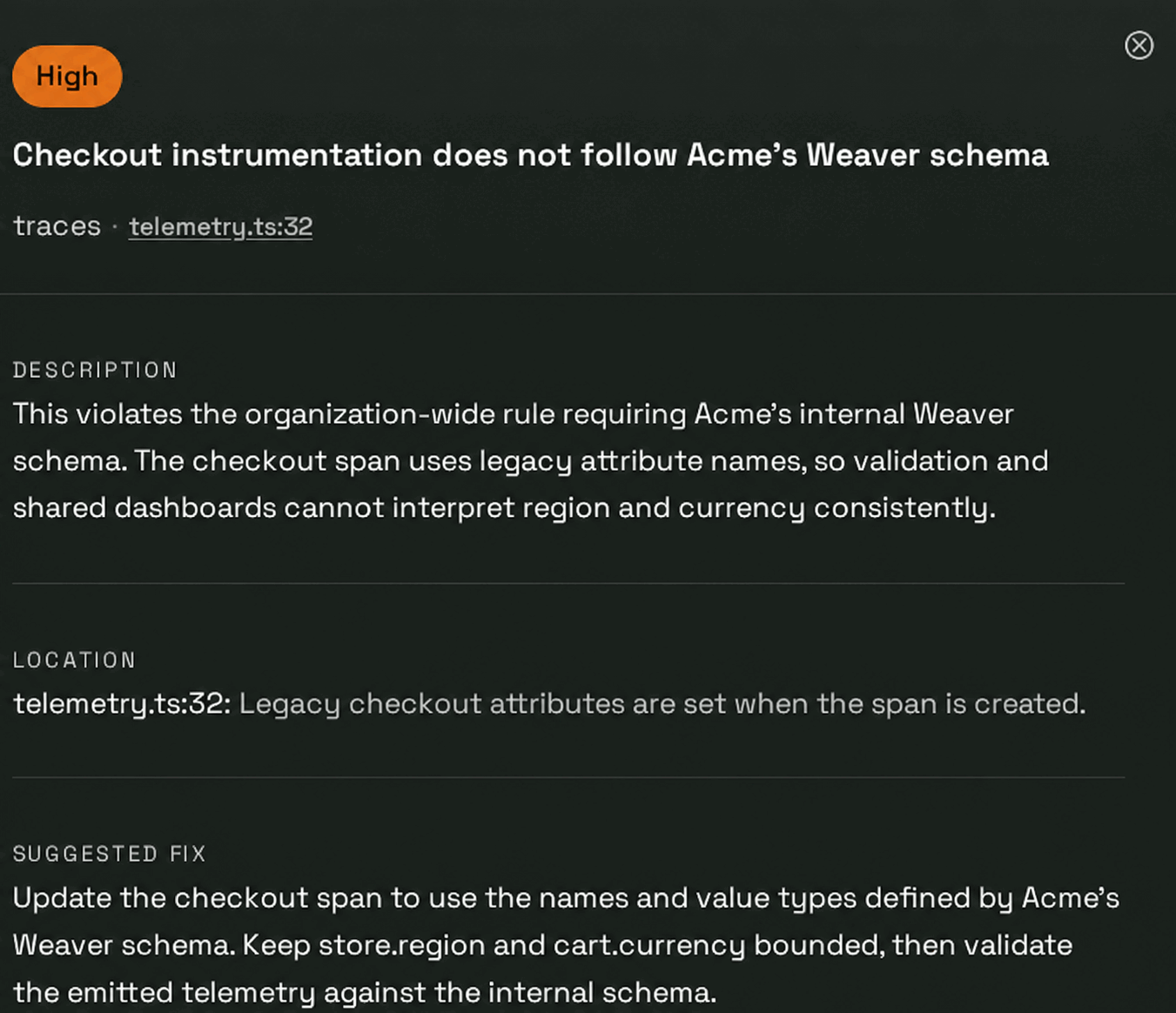
This finding comes from a custom organization rule that requires checkout telemetry to follow Acme’s internal Weaver schema.
Prioritize your work
Start with findings that could make telemetry misleading or difficult to use, then group related changes that can be reviewed together. A lower-severity finding may still be worth doing first when it is quick to confirm or blocks other work.
Understand finding states
- Active findings still need a decision.
- Resolved findings no longer match the reviewed code.
- Dismissed findings were intentionally set aside.
Dismiss a finding when it does not apply or when you have consciously accepted the current behavior. This hides that finding and teaches Rose not to report that specific case again. Findings with the same shape can still appear elsewhere. To ignore a whole class of findings, add a repository or organization rule. Restore a dismissed finding if your decision changes.
When you are ready to act, fix the finding or customize Rose if the same convention should guide future reviews.